
Copy an IP, a domain, a token — and see everything behind it.
Little Eye is a privacy-first recon and decoding toolkit that lives in your Mac’s menu bar. Copy an IP address, domain, URL, token or timestamp and you instantly see geolocation, DNS, WHOIS and HTTP details — plus the decoded payload. Detection is fully local; the network is only ever touched when you click.
64 detectors across 12 groups · also on iPhone · no account, no telemetry
See it in action.
A few of the things Little Eye surfaces the moment you copy them — decoded entirely on your device.
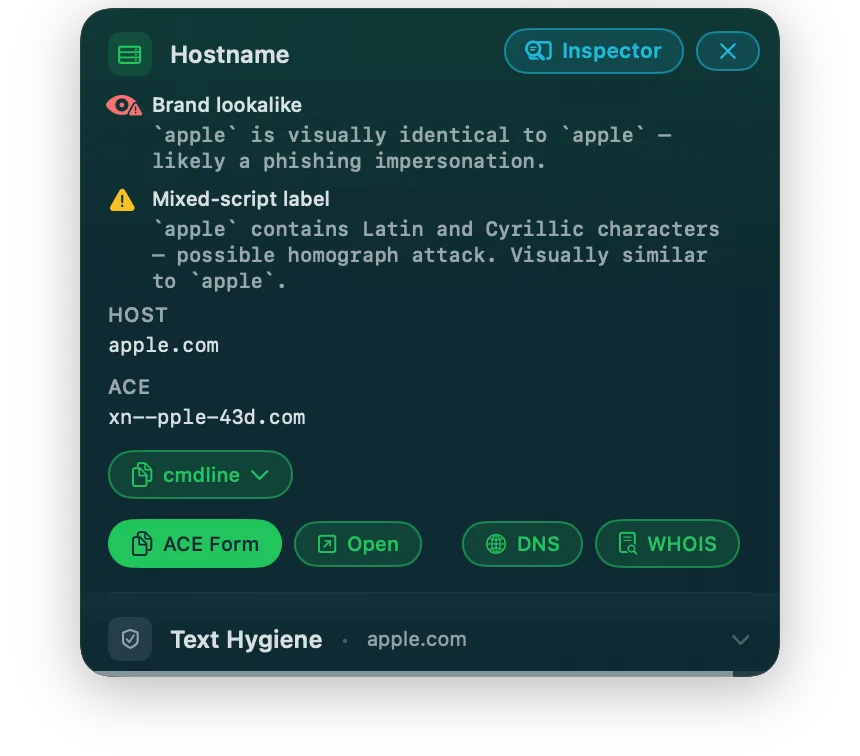
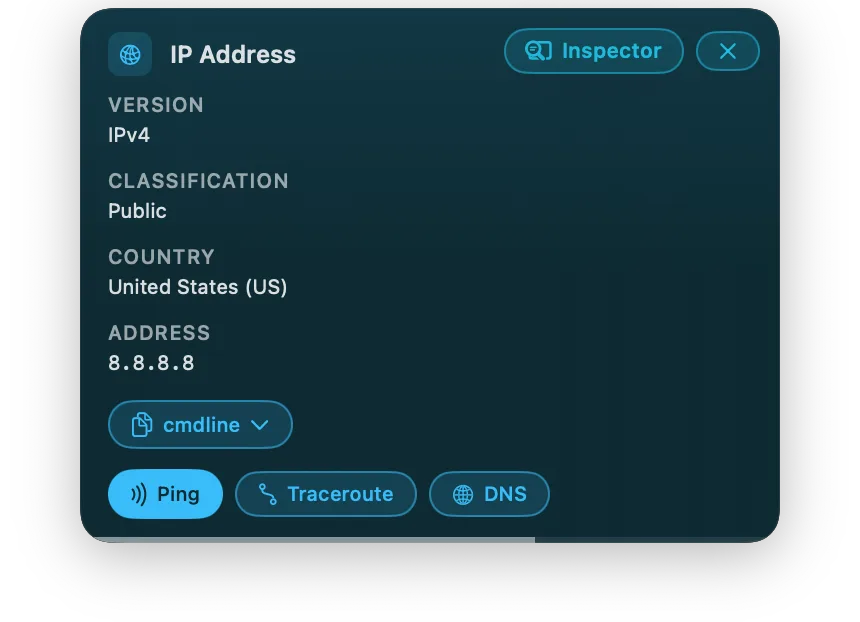
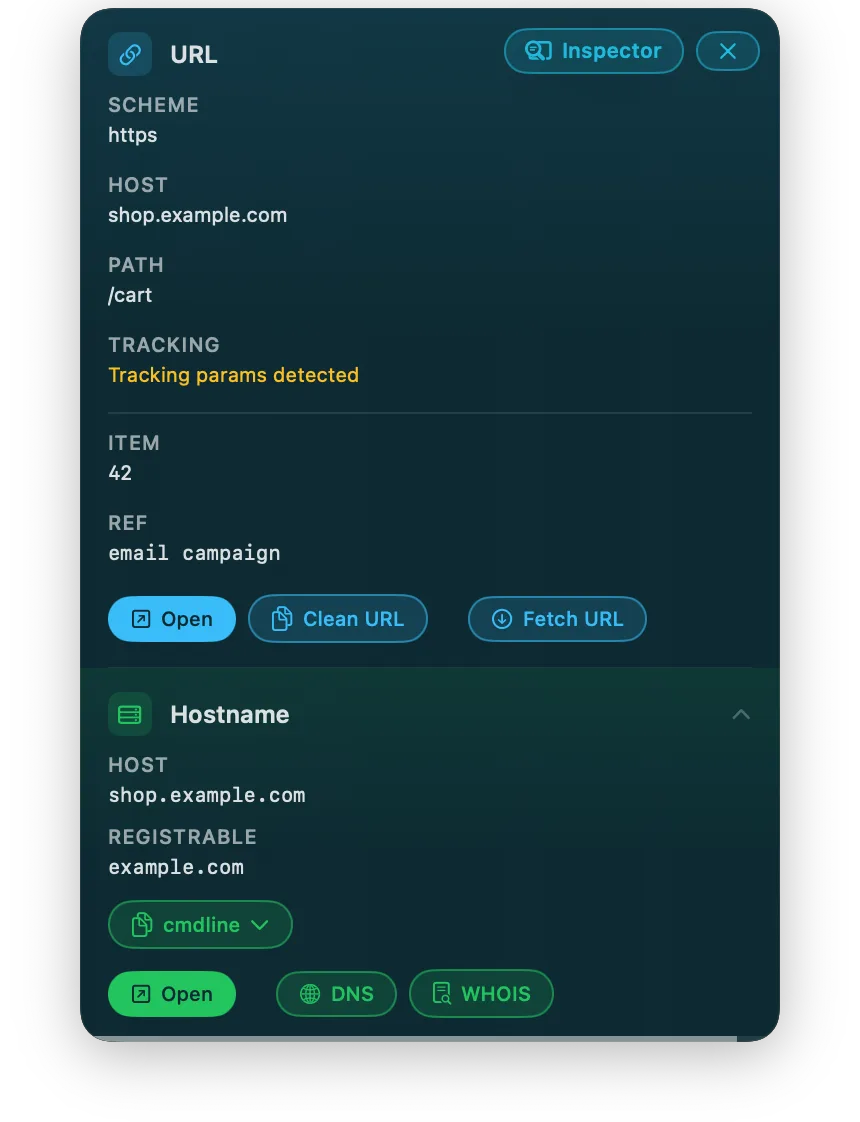
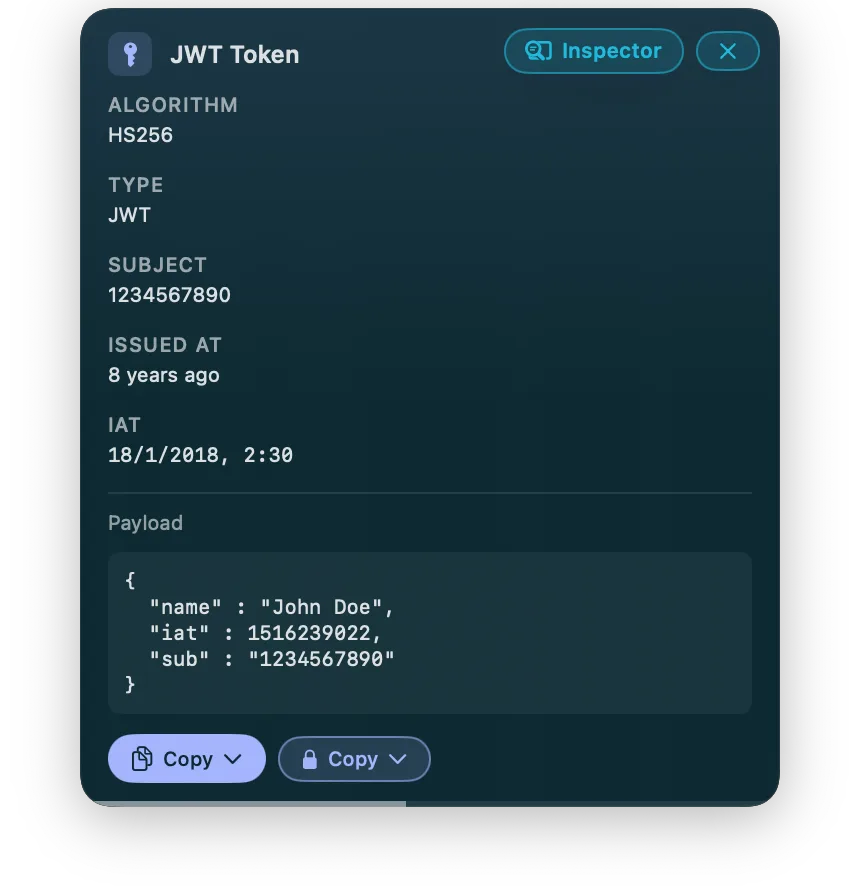
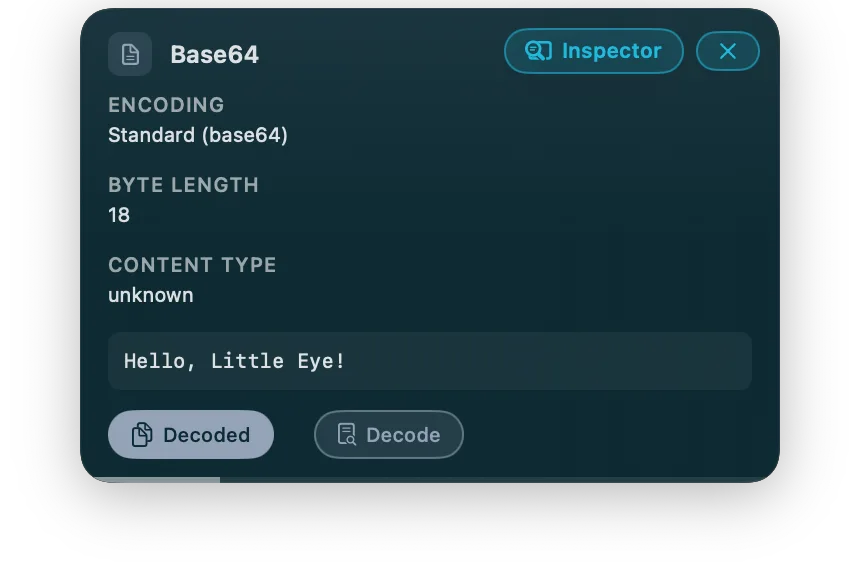
You already do this twenty times a day.
You copy a JWT and paste it into jwt.io to see when it expires. You drop an IP into an ipinfo-style lookup, a domain into a WHOIS site, a base64 blob into some random web decoder. You paste an API response into a JSON formatter, a timestamp into an epoch converter. Each one is a context switch, a new browser tab, and — for the tokens, keys and payloads — a paste of something sensitive into a website you don’t control.
Little Eye does all of it in place. Copy something; the answer is already in your menu bar before you’ve found the tab.
| Instead of | Little Eye |
|---|---|
| jwt.io | decodes the JWT offline — algorithm, claims, expiry |
| an IP-info site | offline country geolocation, plus on-demand ping & traceroute |
| a WHOIS website | asks the domain registry directly (RDAP / WHOIS) |
| a DNS checker | resolves through your own DNS resolver |
| an epoch converter | timestamps decoded instantly, offline |
| a base64 web decoder | decoded locally, never uploaded |
Little Eye is built for backend developers, DevOps and platform engineers, security professionals and technical researchers — anyone who wants fast insight into infrastructure, network traffic and web data.
Local by default. Network only when you say so.
Little Eye reads your system clipboard, figures out what’s there, and shows you the details. All of that detection happens on your machine — nothing is sent anywhere.
A few detectors can go further if you ask them to: fetch a URL you copied, resolve a hostname’s DNS, run a ping or traceroute, look up an ISBN. These are the only features that ever leave your device, and every one of them:
- acts only on a value already shown to you in the panel,
- runs only when you click a button labelled with exactly what it will do —
[Fetch URL],[Resolve DNS],[Ping], - and can be shut off entirely with one click.
When Little Eye touches the network (and when it doesn’t).
Never, on its own. Little Eye has no telemetry, no analytics, no background “check for updates” beacon, no clipboard sync.
Only when you click one of these, on a value you can already see:
| You click | It sends | To |
|---|---|---|
[Fetch URL] | the URL you copied | that URL’s server |
[Resolve DNS] | a hostname | your DNS resolver |
[Ping] / [Traceroute] | an IP address | that host |
[Look up] (ISBN / WHOIS) | the identifier | the relevant directory |
And when it does look something up, it goes straight to the source. Wherever possible, Little Eye consults the origin directly — your DNS resolver, the domain registry, the host itself — instead of routing your data through a third-party website. That saves time, and it keeps what you’re investigating between you and the source.
Privacy Mode is a one-click kill switch in the menu bar that blocks all of the above at once and purges anything previously fetched from memory. Turn it on and Little Eye cannot talk to the network at all — it stays off until you turn it back off. Read the full privacy details →
64 detectors, grouped the way you think.
Tokens & secrets (JWT, API keys), web (URLs, JSON, HTML), encoding (base64, hex, URL-encoding), network (IP addresses, hostnames, MAC), identifiers (UUID, ISBN, GTIN), time (unix timestamps, ISO-8601, cron) — and more: colors, coordinates, SQL, regex, semver, file and image metadata.
Pricing
Everything local. Every detector that reads and decodes what’s on your clipboard — no trial clock, no account. The part you’ll use a hundred times a day.
Download for macOSUnlocks the features that reach beyond the clipboard: fetch a URL and audit the response, run ICMP ping and traceroute diagnostics, full DNS resolution, and export. A one-time purchase on macOS that covers all of version 1; iOS Pro is sold separately on the App Store.
€14.99 / $14.99 · coming soon
Get Pro One-time purchase · 14-day trial · no account requiredIf you do security work, read this part.
Little Eye is a triage and convenience tool — not a security product. It will not replace Burp, CyberChef, or your terminal, and it isn’t trying to. It’s the thing that saves you the daily round-trips to jwt.io and a base64 site when you just want a quick look.
Because it reads your clipboard and can reach the network, you deserve the exact details, not reassurance:
- Detection is entirely local. The app reads the system pasteboard to recognise what you copied; that analysis never leaves your machine.
- It never transmits your clipboard on its own. The network features in the table above act only on a value already shown in the panel, only on an explicit click.
- Ping and traceroute use a small, separate helper process that is not sandboxed, because raw ICMP sockets require it. That helper receives only an IP address to probe — it cannot see your clipboard, your files, or your pasteboard. This is also the honest reason Little Eye ships as a direct download rather than through the Mac App Store, whose sandbox rules the helper can’t meet.
- Privacy Mode blocks every network feature at once.
We would genuinely rather earn your trust than your money. If something here doesn’t fit your threat model — you’d want the sandbox boundaries documented in more depth, the detection logic published, or a specific behaviour changed — we want to hear it. Email support@little-eye.com. “Here’s what would make me actually use this” is the most useful message we can receive.
Copy something. See what it is. Keep it on your machine.
Also on iPhone. No account, no telemetry, no clipboard ever leaves your device on its own.